URL No Longer Exists
You have attempted to reach a URL that no longer exists on salesforce.com.
You may have reached this page after clicking on a direct link into the application. This direct link might be:
- A bookmark to a particular page, such as a report or view
- A link to a particular page in the Custom Links section of your Home Tab, or a Custom Link
- A link to a particular page in your email templates
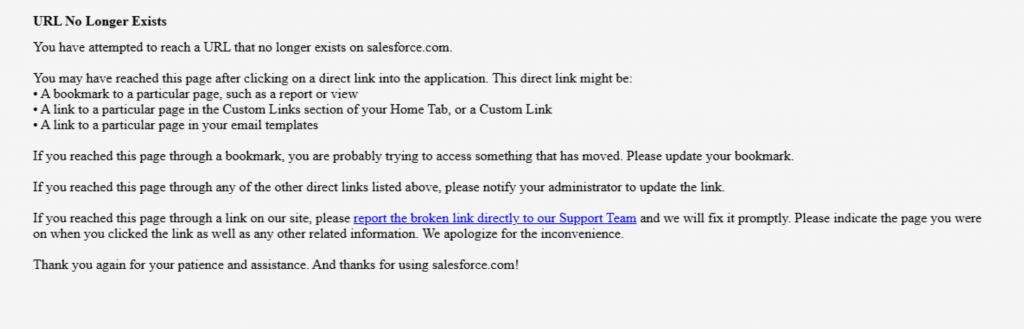
The above error message happens when the Salesforce Site page is no longer accessible. It is possible that Salesforce has updated the URL or link related to your public Sites page. These are visualforce pages that are created inside Salesforce and showcased publicly via the link. In most cases these links are then embedded in your website with an iframe.
To get the public link Go to Setup -> Sites check the Sites section at the bottom of the page. Copy paste the link that relates to the page and update it to the link in your website.
Prevent ‘URL No Longer Exists’ errors
Using the Sawfish plugin you can create a direct connection between Salesforce and WordPress. This means the Salesforce info like a Volunteer Calendar is loaded alongwith your website content, using the same styling. No iFrames, no URLs. This was any changes in Salesforce URL would not affect your important pages.
How to Add Volunteer Calendar Data from Salesforce to WordPress Website
What other pages can the plugin create?
Salesforce to WordPress
- Display a list of Cards from any object
- Show information in a Table
- Calendar with events and Signup link
- Detail page with Salesforce field information
- JSON for Maps, Charts and other custom apps
WordPress to Salesforce
Interactive Portals – WordPress Login for Salesforce
- A Portal to login with unlimited logins to show information specific to a user
- A Portal to login with unlimited logins to update information
Apps